 Danish
 English
 German


What payment methods do you offer and how can I set up a consumption report?
Find all relevant information on payment methods, automatic top-up of your account, balance notifications, and how to generate reports.
How do I pay for SMS traffic?
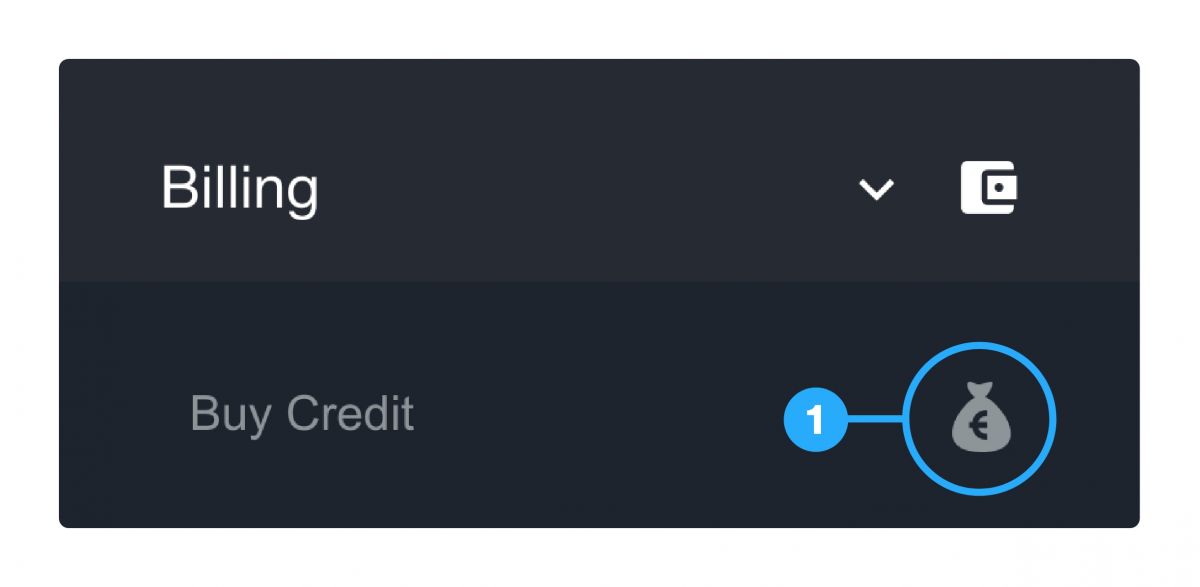
GatewayAPI is by default a pay-as-you-go system. By adding credit to your account, you can send SMS messages or pay for subscriptions for keywords and short codes etc. You find the option to buy credit on your dashboard by clicking “Billing” and then “Buy credit”.
You can pay with the following methods:

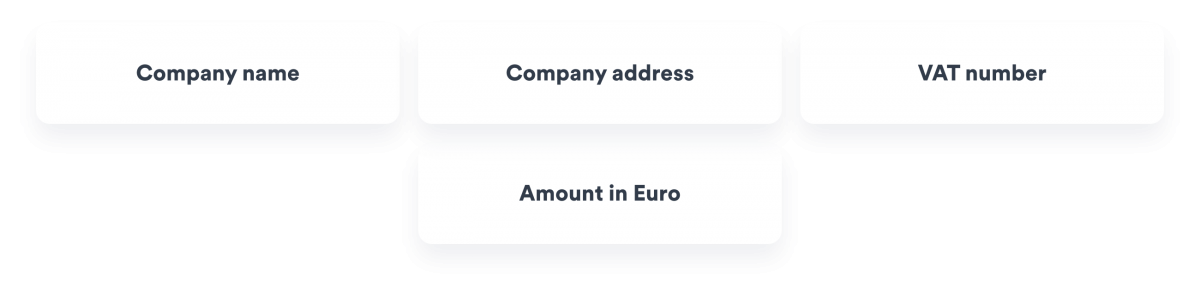
In order to send an invoice, we require the following information:
Payment methods we do not currently accept
- PayPal
- Bitcoin and other cryptocurrencies
How do I set up automatic payment?
When you make a payment, you can tick the box “Save card for later use”. After the purchase, you can set up automatic payment under “Billing” and “Automatic payment”. When automatic payment is enabled, the account will charge the specified amount as soon as another SMS is sent after reaching your credit limit.
Simply log in to your GatewayAPI account and:
Step 1: Navigate to the submenu “Buy Credit” under “Billing” in the menu to the left.
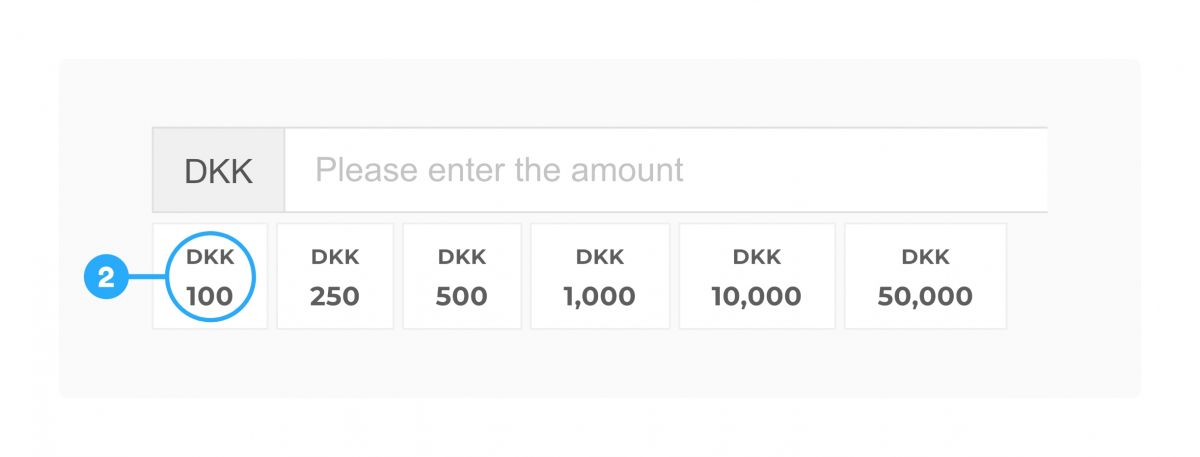
Step 2: Enter the amount you would like to top your account up with or choose from the suggested amounts.
Step 3: Click on the “New Card” button to set up automatic top-up of your account balance.

How do I set up low balance notifications?
You can set a balance notification value under “Billing” and “Billing details” to automatically receive an email if your account balance goes under a specific value of your choice. Remember to add an email address in the field “Account Balance E-mail” and set a value in the “Account Balance Notification” bar underneath.
What is 3D Secure?
3D Secure is a security measure created by Visa and MasterCard to secure cardholders against misuse of their payment cards in online payments, e.g. CNP (Card-holder Not Present) transactions, where a stolen card is used. When making a payment, we require that 3D Secure is enabled for both MasterCard and Visa.
Is it possible to pay monthly via invoice?
Yes, we offer invoicing of monthly traffic. If you wish to pay monthly via invoice, please contact our sales department.
Please note that it costs 50 euro per invoice and that we need to carry out a credit assessment.
How do I change my invoice email address?
Visit the dashboard and click on “Billing” and “Billing details” to add an email address for invoices in the “Invoice Email” field.
How do I create a consumption report?
By default we send a report of the previous month’s credit usage. You can find this on your dashboard under traffic log and reports. You can set your email to receive the report in your inbox automatically by going to “Traffic log” and choosing “Reports” and “Add e-mail”.
Simply log in to your GatewayAPI account and:
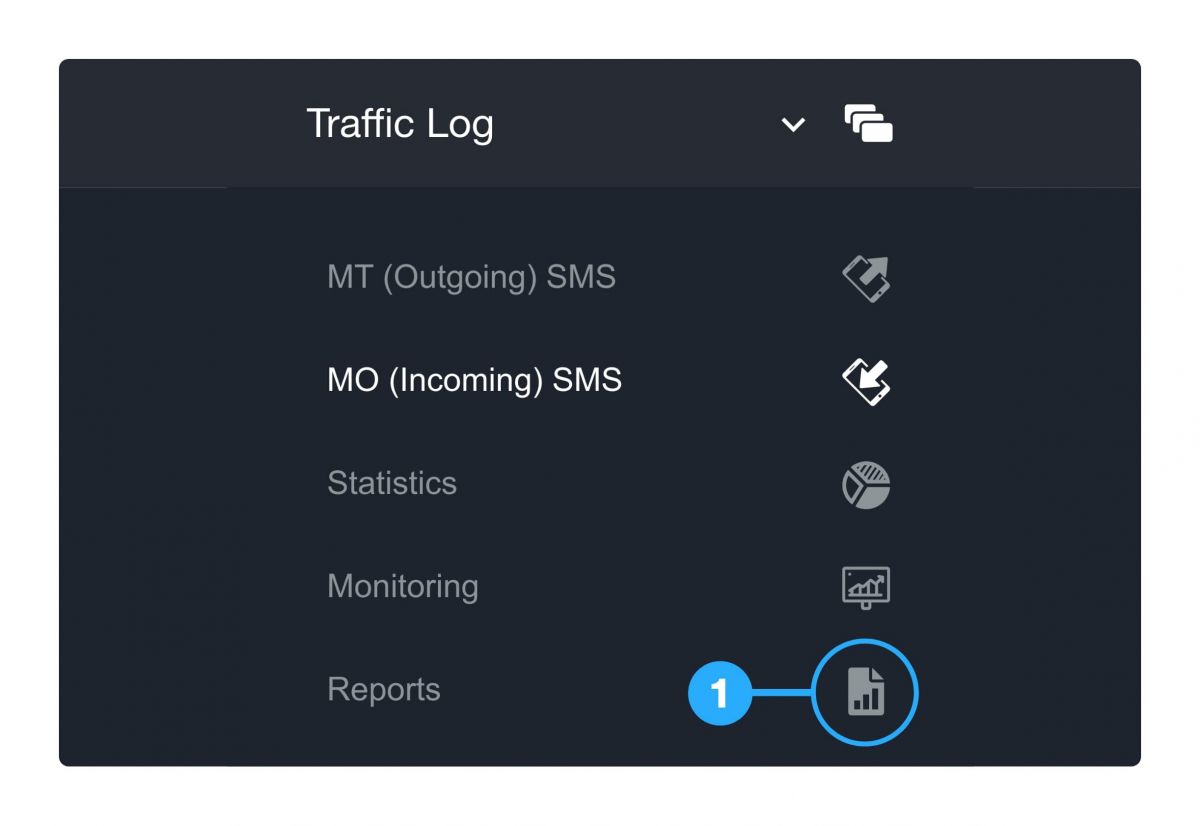
Step 1: Navigate to the submenu “Reports” under “Traffic Log” in the menu to the left.
Step 2: Click the button “Add E-mail” to receive e-mail reports about your traffic.