
 Danish
 English
 German


How do I set up webhooks?
Learn how to find your API keys for setting up webhooks, which can be used for Delivery Status Notifications, 2-way communication, and Email to SMS.
Where do I find my credentials for the service?
You will start on your dashboard after logging in to GatewayAPI. A menu should be present on the left side of your screen.
Simply log in to your GatewayAPI account and… :
Step 1: Navigate to the submenu “API Keys” under “API” in the menu to the left
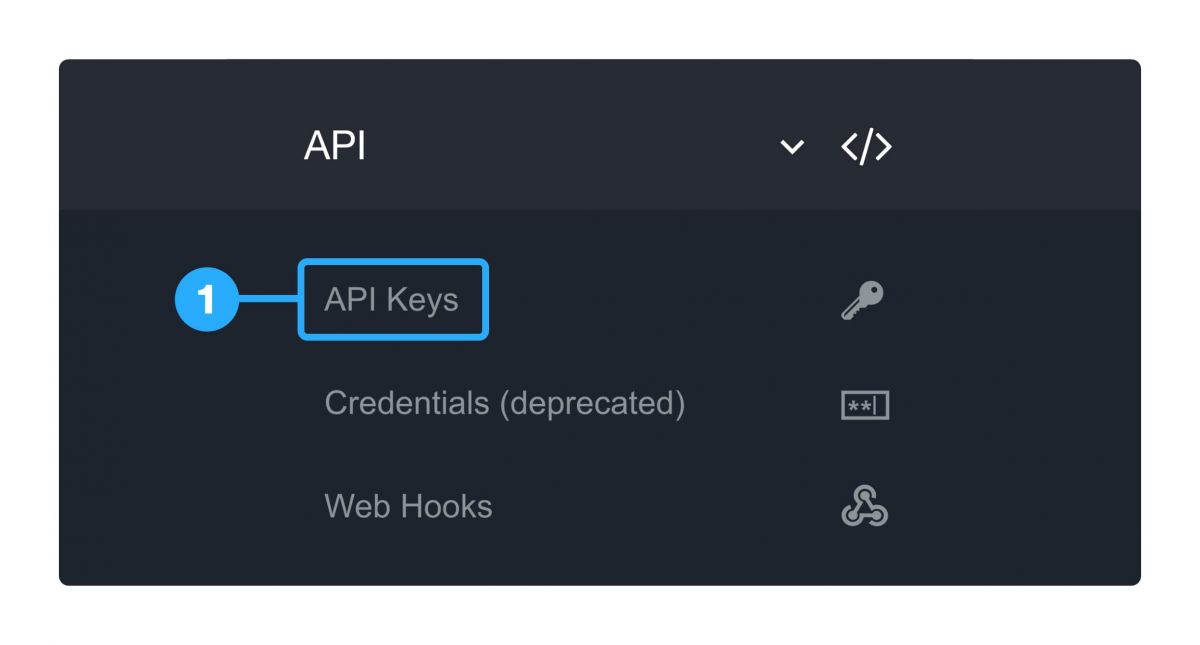
Step 2: You can freely create a new key/token, if you need it, by pressing “ADD API KEY” and giving it a suitable name (recommended).

What can I use webhooks for?
A webhook is a feature that can be used in several use cases:
-
Delivery Status Notification to your system
-
2-way communication
-
Using Email to SMS
In our documentation in the link below, you will find detailed information about webhooks:
