 Danish
 English
 German
*Updated August 2026*
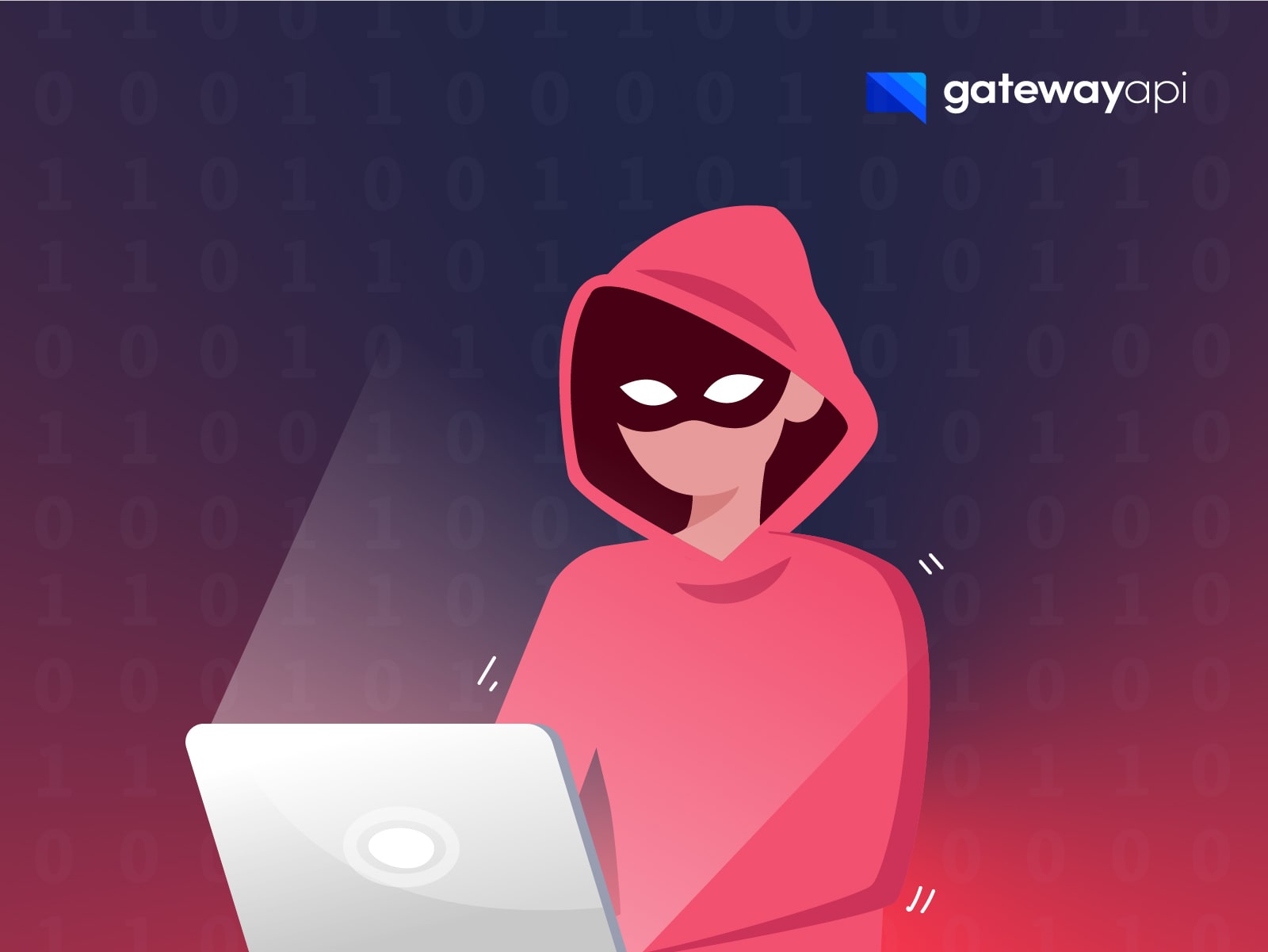
SMS fraud is a major problem worldwide, with many either being harassed or scammed via SMS.
Increasingly, the scammers have also started to target companies that send A2P SMS traffic, where the scammers use the companies’ accounts as part of various scams.
At GatewayAPI, we take security very seriously and have introduced a number of security measures, including requirements for URL whitelisting and 2FA when logging in, as well as providing a number of tools that can help protect your account from abuse. In addition, we continuously monitor traffic and intervene if there is something that differs from the normal patterns.
With that said, we cannot catch everything, and we therefore also encourage our customers to review the security of their GatewayAPI account as well as review the security of the systems connected to our APIs to ensure that there are no vulnerabilities.
Below we will go over the different types of attacks taking place today, and then we will detail what you can do to protect yourself against them.
Examples of SMS scams
There are many different types of SMS scams and the aim of the attacks is usually to enrich the scammers via various ingenious methods.
To give you an understanding of what fraudsters can gain by accessing your account or exploiting your signup flow, we have included some of the most common SMS scams:
- SMS phishing messages (also called Smishing) that contain a link where the aim is to extract information from the user or get the user to download malware.
- SMS spam that promotes, for example, payday loan services and pages with adult content or contain political messages.
- SMS traffic pumping, also known as SMS toll fraud, SMS 2FA Premium Rate Fraud or Artificially Inflated Traffic (AIT) where a bot is used to request thousands of 2FA verification codes, which are sent to numbers where the scammers receive a share of the revenue generated.
Below you can read more about what you can do to help ensure that your account is not involved in one of the above scams.
IP whitelisting
In your GatewayAPI dashboard, you have the option of setting up IP whitelisting, which has the effect that only approved IP addresses can send SMS messages from your GatewayAPI account.
This security measure ensures that even if your API keys or systems have been compromised, other parties will not be able to use your account to send SMS messages. It is thus a fast and efficient method to greatly improve the security of your GatewayAPI account.
The IP whitelist feature can be further increased in security by using a virtual private network (VPN). If your company uses a VPN you can add the IP address of the VPN to your allowed IP addresses. Even if your token is shared and someone gets access to your network, they will not be able to perform any API calls without additional access to your VPN.
Read more about how to set up IP whitelisting on the GatewayAPI platform in our Help Center.
Country & rate limiting tool
To effectively protect your GatewayAPI account from abuse, we strongly recommend using the country & rate limiting tool available in your GatewayAPI dashboard. This ensures that your account only sends SMS traffic to approved destinations and stays within safe volume limits.
You can choose to block SMS traffic to all countries except those you actively send to. This approach is ideal if you manage broadcasts directly and know your target destinations in advance.
If you run a SaaS platform or service with global users, predicting destination countries can be challenging. In this case, you can allow traffic to all countries while explicitly blocking high-risk regions. Additionally, you can configure daily SMS rate limits for individual countries. Once a country reaches its daily limit, subsequent messages to that destination are automatically blocked, giving you precise volume control without having to block traffic entirely.
Read more about how to set up country & rate limiting in our Help Center.
Increase the security of systems connected to APIs
We often see that hackers gain access to systems that have been connected to our APIs. This way, fraudsters are able to send SMS traffic through GatewayAPI, even though the security of the GatewayAPI platform has not in fact been compromised.
We have therefore collected a number of the most important security-related focus areas, which you can review and assess the relevance of in relation to your system and your setup. Often, a combination of these security measures will cause hackers and bots to move on to easier targets.
Set up extra protection on login flows
Protect your login flow against brute force attacks, where a bot tries to guess the password by going through thousands of combinations. This can be easily countered by setting a limit on how many times a user can enter an incorrect password before a time-out is inserted on login attempts. It can be, for example, three attempts before a time-out of one minute is implemented.
In addition, you can encourage or require two-factor authentication when users create an account and afterwards log in to your system. Here it is also important that you use several of the other security mechanisms, so that you are not vulnerable to traffic pumping, which was described above.
You may also want to consider implementing strict rate limiting, honeypots or modern invisible bot detection (e.g., Cloudflare Turnstile or proof-of-work tools).
Limitations on API Endpoints
It can also be beneficial to keep track of all API endpoints. Even if an API endpoint is in a testing phase, there should be a limit on how many messages that can be sent through the endpoint.
Best practices
To conclude this blog post, we have listed a number of best practices when it comes to IT security:
- Choose a strong password for your GatewayAPI account and the systems connected to the APIs belonging to GatewayAPI.
- Update your passwords regularly.
- Ensure that the right people have access to GatewayAPI and systems connected to GatewayAPI and that their access level matches their use.
- Make sure that login information or credentials are not shared with third parties or via channels that are not safe. If they are, create a new password or generate new API keys.
Thank you for reading this post! We hope that it has enlightened you on what additional security measures you can implement to avoid your GatewayAPI account being involved in a scam.
If you have any questions about the information above, you are always welcome to contact us on the support chat or at support@gatewayapi.com.